How to create your Barcode online
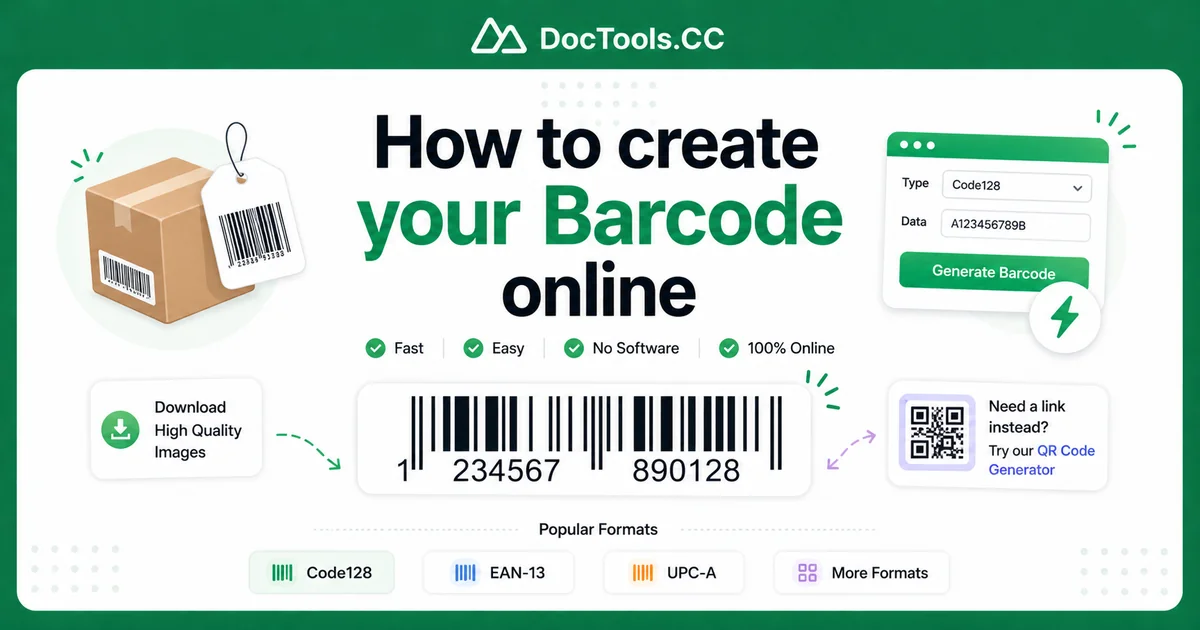
If you need a barcode right away, installing a desktop program can feel like a waste of time. Many people just want a quick way to create a scannable code for products, stock labels, shipping, or simple business use. That is why many users search for a way to fast generate barcode without download any software, any chapters numbers and letters.
The good news is that you can do it online in just a few clicks. With DocTools.CC’s Barcode Generator, you can create Code128, EAN-13, and UPC-A barcodes from your browser without installing anything. If you also need a barcode alternative for links or mobile sharing, you can use the QR Code Generator.
Why use an online barcode generator?
An online tool is often the fastest option for small businesses, home offices, sellers, and warehouse teams. You open the page, enter your code, and download or use the result right away.
This approach saves time and avoids software setup, updates, and compatibility issues. It is especially useful when you need to create one barcode quickly or test different values before printing labels.
Main benefits
- No software download or installation
- Works from most modern browsers
- Quick for one-time or repeat barcode tasks
- Easy to enter numbers and letters where supported
- Useful for labels, packaging, inventory, and shipping
Fast generate barcode without download any software, any chapters numbers and letters
If your goal is speed, the easiest method is to use an online tool that supports common barcode formats. On DocTools.CC, the process is simple and beginner-friendly.
Before you start, it helps to know that different barcode types accept different kinds of content. For example, Code128 is flexible and supports letters and numbers, while EAN-13 and UPC-A are designed mainly for retail product numbering.
Step-by-step: how to create your barcode online
Open the barcode tool.
Go to the Barcode Generator. The tool runs online, so there is no need to install any software on your computer.Choose the barcode format.
Select the barcode type that matches your needs. Use Code128 if you want more flexibility with letters and numbers. Use EAN-13 or UPC-A if you are creating standard retail product barcodes.Enter your data.
Type the value you want to encode. This could be a product code, stock number, item ID, or another tracking value. If you need letters and numbers together, Code128 is usually the best choice.Check your input carefully.
Look for typing mistakes before generating the image. Even one wrong character can make the barcode point to the wrong item or fail in your workflow.Generate the barcode.
Click the generate button and let the tool create the barcode image. In most cases, the result appears instantly on the page.Review the barcode.
Make sure the bars look sharp and the text value is correct. If possible, test it with a scanner app or barcode reader before using it in production.Download or use the barcode.
Save the generated barcode and place it in your label design, product sheet, package, or document. This makes it easy to print or share as needed.
Choosing the right barcode type
One of the most important steps is picking the correct format. The best barcode type depends on what kind of data you have and where the barcode will be used.
Code128
Code128 is a strong choice for many business uses. It supports a wide range of characters and is commonly used for internal labels, shipping, warehouse systems, and inventory tracking.
- Good for letters and numbers
- Useful for internal item IDs
- Often used in logistics and inventory systems
EAN-13
EAN-13 is a common retail barcode format used internationally. It is usually intended for product numbering and follows a strict numeric structure.
- Best for retail product codes
- Numbers only
- Standardized for many stores and supply chains
UPC-A
UPC-A is widely used in retail, especially in North America. Like EAN-13, it is designed for numeric product identifiers rather than general text.
- Good for retail packaging
- Numbers only
- Common in store checkout systems
Common use cases for online barcodes
People use barcode tools for many different jobs. You do not need to run a large company to benefit from quick barcode creation.
- Inventory management: Label shelves, bins, and products for faster tracking.
- Small business sales: Add barcodes to handmade or packaged products.
- Shipping and fulfillment: Create internal package IDs and process labels.
- Office organization: Tag files, equipment, and archived boxes.
- Events and operations: Assign scannable IDs to items or materials.
Tips & Best Practices
Creating a barcode is easy, but getting reliable scan results takes a little care. These tips can help you avoid common problems.
Pick the format that matches your data
If your value includes letters, choose a barcode type that supports them, such as Code128. Do not try to force alphabetic text into a format made for numbers only.
Keep the barcode image clear
Use a sharp, high-quality image when placing the barcode on labels or documents. Blurry edges, low contrast, or very small print sizes can make scanning harder.
Leave enough white space around the code
Barcodes need quiet space on both sides so scanners can read them properly. Avoid placing text, borders, or graphics too close to the bars.
Test before printing in bulk
Always scan a sample barcode before printing many labels. This can save time, paper, ink, and costly mistakes.
Use consistent naming rules
If you are making internal barcodes for stock or files, create a simple naming system first. Consistent codes are easier to manage and reduce duplicate entries.
Match barcode size to scanning distance
Small labels may work well for close-range scanning, but larger labels are better when scanners read from farther away. Think about where and how the barcode will be used.
Mistakes to avoid
Even a good tool cannot fix poor input or bad label design. Watch out for these common issues when creating barcodes online.
- Using the wrong barcode format for your content
- Entering the wrong number or letter by mistake
- Printing the barcode too small
- Stretching the image out of proportion
- Using low contrast colors like light gray on white
- Skipping a scan test before real use
When to use a QR code instead
Sometimes a traditional barcode is not the best fit. If you want to share a website, contact info, or other digital content that people scan with phones, a QR code may be more useful.
In that case, try the QR Code Generator. It is a smart option for marketing materials, menus, sign-in pages, and mobile-friendly links.
Conclusion
If you want to fast generate barcode without download any software, any chapters numbers and letters, an online tool is the simplest solution. You can create the right barcode type in minutes, avoid software installation, and start using the result right away for labels, products, or internal tracking.
Ready to make your own barcode now? Open the Barcode Generator and create a clean, scannable barcode in just a few clicks.
Frequently Asked Questions
Can I create a barcode online without installing software?
Yes. You can use an online barcode tool in your browser without downloading or installing a program. This is often the fastest way to create a barcode.
Which barcode type should I use for letters and numbers?
Code128 is usually the best choice when you need both letters and numbers. EAN-13 and UPC-A are mainly for numeric retail codes.
Can I use online-generated barcodes for product labels?
Yes, as long as you choose the correct barcode format for your use case. Always test the barcode with a scanner before printing large batches.
Why is my barcode not scanning correctly?
Common causes include the wrong format, blurry image quality, very small print size, or not enough white space around the barcode. Double-check the data and test a sample before final use.
What is the difference between a barcode and a QR code?
A barcode is often used for product IDs, inventory, and retail systems. A QR code can store more types of data and is commonly scanned by smartphones for links and digital information.